
Play Gomoku Online with a Friend
Create a public or private room and invite a friend with a link or room code. You can also join an open room from the lobby or watch a game already in progress. Every game uses a 15×15 Gomoku board.
Create a room
Choose who can find the room, then share its link or code.
Public rooms use shorter codes and appear in the lobby for anyone to join. This browser can keep only one public room at a time.
Join a room
Paste an invite link or enter a room code. Join an open seat, or watch if the game has already started.
Leaving does not close the room. The host can return through My Rooms in the lobby or close the room there. If everyone disconnects, the room expires after about 20 minutes. A room code belongs only to that game and does not contain personal information.
Room Lobby
My rooms
0Waiting for opponent
0Games in progress
0Creating public room…
Creating a room code. Please wait.
Public room created (15×15)
Send the link or room code to your opponent. The game starts when they join.
You will play Black and move first. Your opponent will play White when they join.
Connection interrupted. Reconnecting…
Join a room
We found the room from your invite link. Connect now, or enter a different room code.
Joining the room…
Connecting to room . Please wait.
Connection interrupted. Reconnecting…
Opponent connected
Your opponent left
Return to the lobby to create a room or join another one.
Connection failed
We could not find this room. Check the code or invite link; the room may already be closed.
Play Gomoku Online with a Friend
Send a Link and Start a Gomoku Game
Create a public or private room, then send your opponent the invite link or room code. No account is required. Every online game uses a 15×15 board, and the room confirms each move before updating both players. If your connection drops, you can reconnect to the same position with every confirmed stone intact. Online games do not allow one player to undo a move, so check every immediate winning point and forcing move before you play.
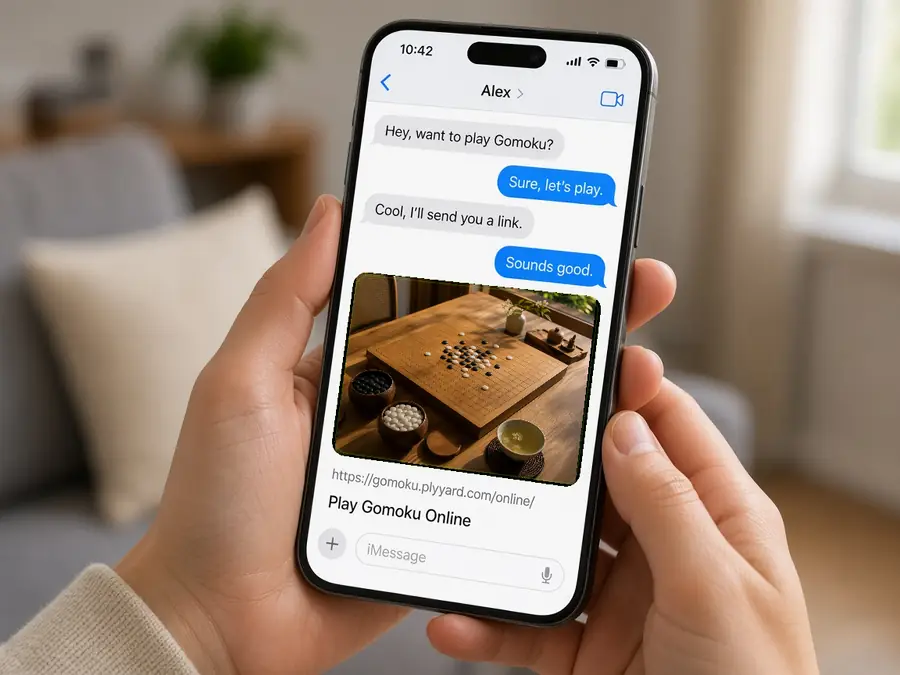
Invite a Friend to a Private Room
When you already know who you want to play, create a private room and send the link directly. Private rooms do not appear in the public lobby, but anyone with the full link or room code can enter, so share it only with the people in that game. Rooms you create remain under “My Rooms,” where you can return to your seat or close the room yourself.

Check the Room Status in the Public Lobby
The lobby lists public rooms; it does not match players automatically. A room marked “Waiting for Opponent” still has an open seat. Once a game has started, you can watch but not join, and spectators cannot place stones. Create a public room when you want another player to find it. Use a private room when you have already arranged the game.
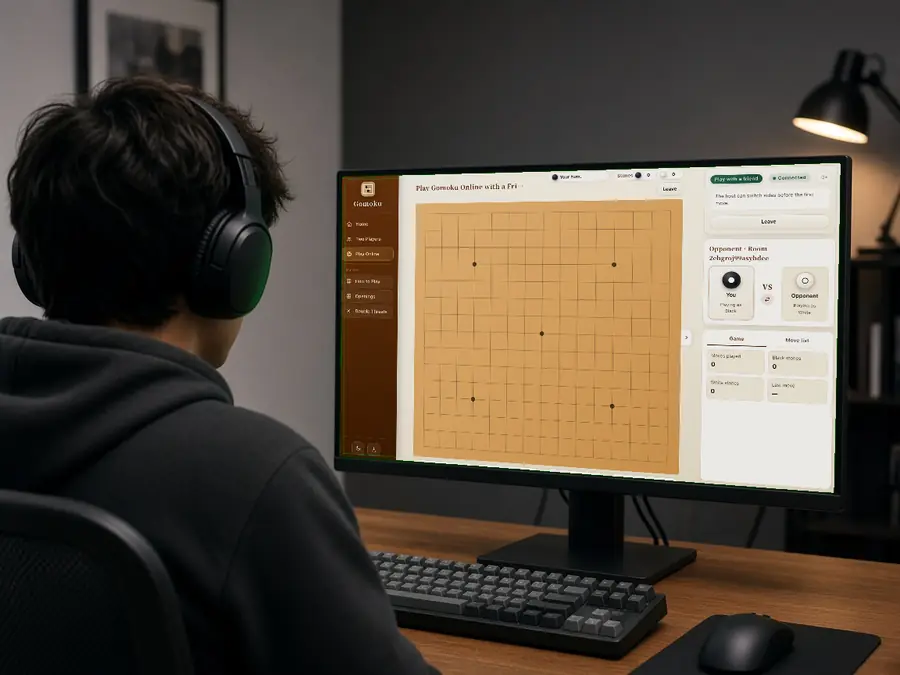
Know the Difference Between Leave, Resign, and Close
Leaving returns you to the lobby while preserving the game and your seat, so you can reconnect from the same entry point. Resigning ends the current game immediately. Closing removes the room and disables its invite link. Synchronization prevents duplicate moves and out-of-turn play, but it cannot take back a stone the room has already confirmed.
PrivateInvite only the people in your game
PublicLet another player find you in the lobby
ReconnectReturn to your seat and position
CloseRemove the room and disable its link
